Sole trader bookkeeping spreadsheet (UK): what to record and how to set it up
Updated 25 November 2026 · By CroftSheets (GPT Shop Ltd) · Figures checked against GOV.UK
For most UK sole traders, a well-built spreadsheet is enough to keep records and complete Self Assessment. HMRC doesn't require accounting software unless you're in Making Tax Digital for Income Tax (see below). What matters is that your records are complete, dated and sorted into the right categories.
What HMRC expects you to keep
- All sales and income, with dates
- All business expenses, with dates and receipts or invoices
- Records of any personal money paid into or taken out of the business
- Mileage logs if you claim simplified mileage
Keep records for at least 5 years after the 31 January submission deadline for that tax year. For 2025/26, that's until at least 31 January 2032.
The columns that work
| Income log | Expense log |
|---|---|
| Date received · Customer or platform · Description · Amount · Type (turnover or other income) | Date paid · Supplier · Description · Amount · SA103S category · Business use % · Allowable amount |
The business-use % column is the step most templates skip. If your phone is 40% business, you record the full bill and the sheet counts 40% of it. Personal and non-allowable costs can stay in the log for completeness but must be kept out of the totals.
Cash basis is now the default
Since the 2024/25 tax year, sole traders use the cash basis by default: you record income when the money arrives and expenses when you pay them, not when you invoice. That makes a spreadsheet simpler: one row per payment in or out. You can opt for traditional (accruals) accounting instead if it suits your business better.
Sort expenses by SA103S box
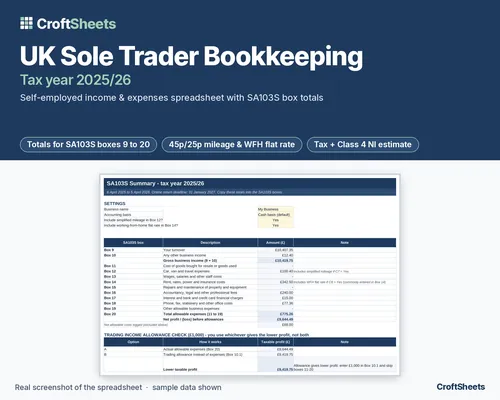
Use the same categories as the tax return, so year-end is a copy-and-paste job: cost of goods, car and travel, wages, rent/rates/power/insurance, repairs, professional fees, finance charges, phone and office costs, and other allowable expenses. Our SA103S boxes guide lists examples for each.
Don't forget the flat-rate claims
If you use your own car or van, the simplified mileage rate is often worth more than actual costs. If you work from home 25 hours or more a month, the working-from-home flat rate adds £10 to £26 a month.
Make it follow the UK tax year
The UK tax year runs 6 April to 5 April. A good template groups your entries by tax month (6th to 5th) and ignores anything dated outside the year, so a stray 7 April receipt doesn't end up in the wrong return.
What about Making Tax Digital?
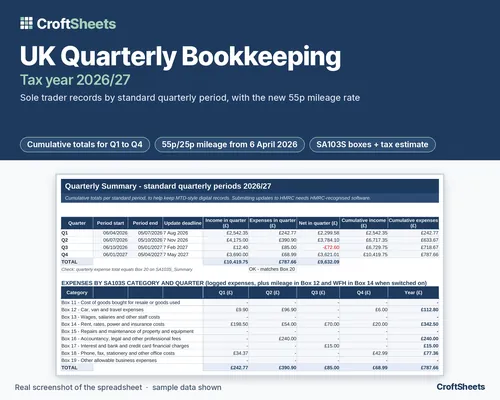
Since 6 April 2026, sole traders and landlords with qualifying income over £50,000 must keep digital records in MTD-compatible software and send quarterly updates. The threshold drops to £30,000 from April 2027 and £20,000 from April 2028. A spreadsheet on its own isn't MTD software: if you're in scope you'd need bridging software to send updates from it. If you're below the threshold, a spreadsheet is still a perfectly good way to keep records for your annual return.
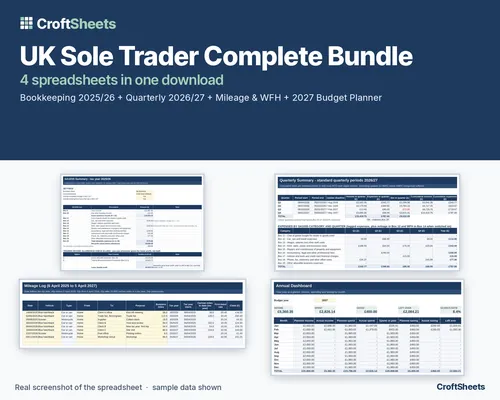
Sole Trader Self Assessment Spreadsheet 2025/26: File your 2025/26 UK Self Assessment with less stress. Track income, SA103S expenses, mileage and WFH flat rates for 6 Apr 2025-5 Apr 2026 in Excel or Sheets.
See the spreadsheet (£12.99)